Cartdini Free can show an optional packing request on admin and customer order views while omitting the answer from its order-email output. Set admin order on, customer order on, admin email off and customer email off.
This controls the plugin’s display output—not stored answers, access permissions or copies produced independently by other extensions.
Confirm that staff work from orders
Identify who opens each order and reads requests before packing. That review is a staff procedure, not something the plugin enforces.
If notification emails are the team’s only handoff, keep the necessary email destination enabled until an order-review process is established and tested. Collecting a request does not ensure anyone reads or fulfils it.
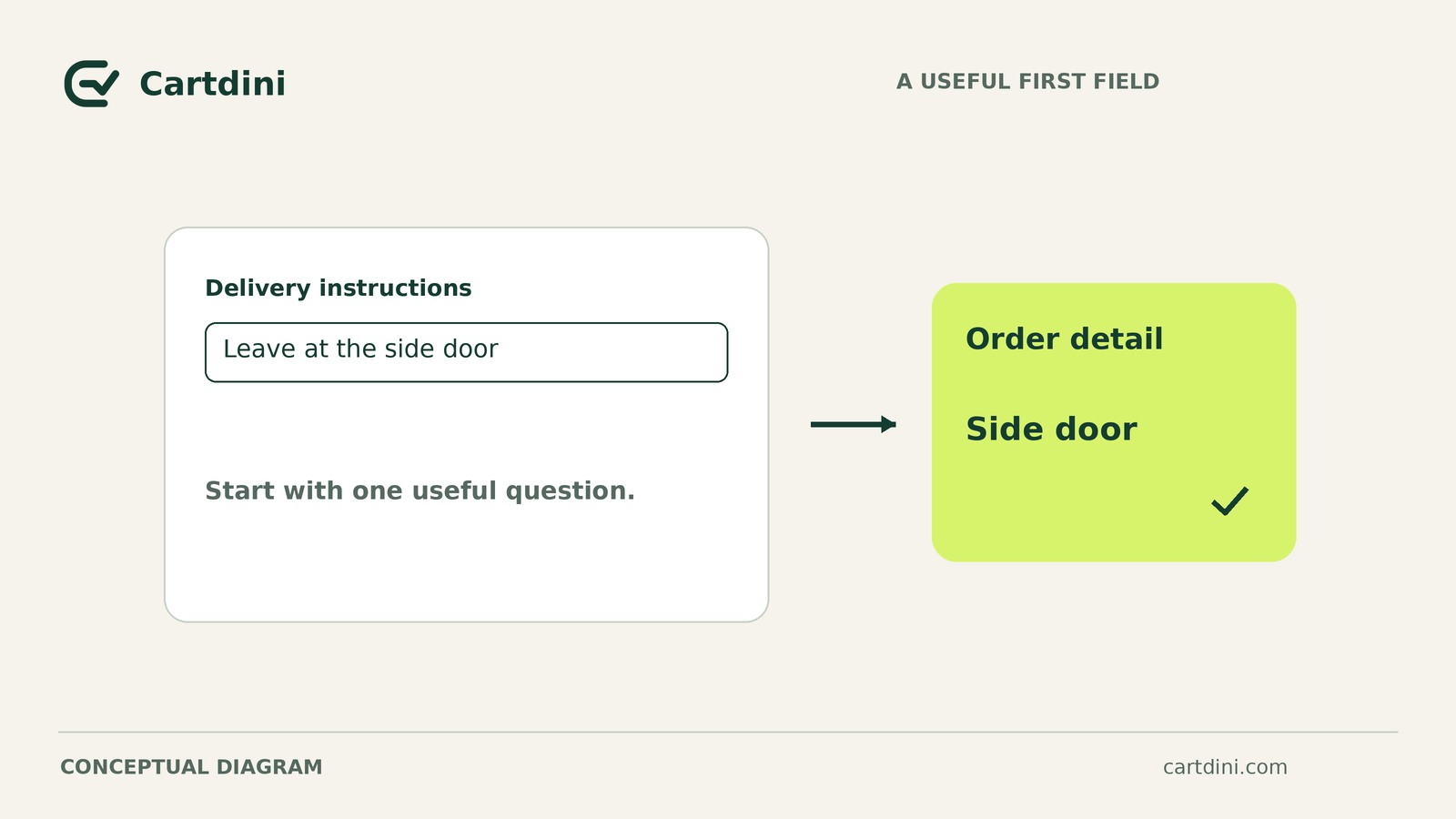
Before adding a field, check whether an existing order-notes question already serves this purpose. Assess its wording, visibility and email behavior to avoid duplicate questions.
Prepare Free on a staging copy
This workflow needs Free 1.8.5; Pro is not required. The documented minimums are WordPress 6.7+, WooCommerce 9.9+ and PHP 8.0+, although your WooCommerce version may require newer WordPress or PHP versions.
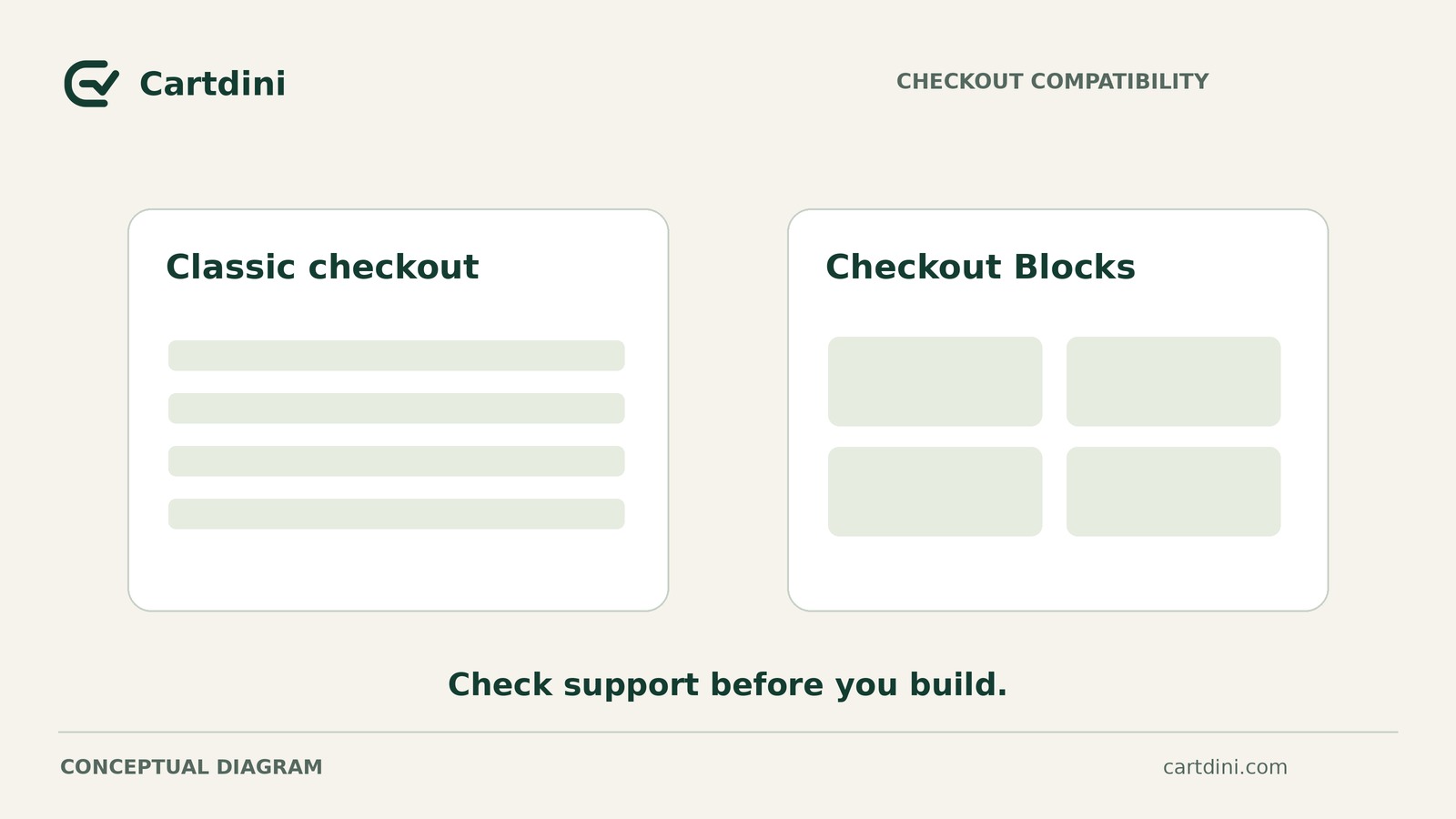
Textarea fields are supported in Classic checkout and Checkout Blocks. Check the compatibility guidance, then test your actual theme, gateway and email customizations rather than assuming support guarantees their behavior.
For a first installation:
- Back up the site and work on a staging copy.
- Obtain the public Free ZIP. It is not listed on WordPress.org.
- Use Plugins → Add New → Upload Plugin, then activate it.
- Open WooCommerce → Cartdini and check the detected checkout implementation.
A fresh installation leaves checkout unchanged until you save a configuration.
Configure the optional packing question
This is a hypothetical setup, not a reported store test. Assume the store can consider order-wide wrapping preferences and staff review orders before packing.
In Extra questions, add a field with these settings:
- Type: Textarea.
- Label: Packing request.
- Location: Order information.
- Required status: Off.
- Suggested supporting wording: “Tell us your packing preferences. We’ll follow them where practical. Please do not include sensitive information.”
Adapt the wording to requests your store can reasonably handle. Do not promise fulfilment or use this general field for item-specific personalization that needs a separate, verified association.
For this field’s four display destinations, enable admin order and customer order. Disable admin email and customer email, then save the configuration. These are per-field choices, not settings for every checkout question.
The setup documentation explains field configuration. The editor preview helps with preparation but does not prove where an answer appears after checkout.
Verify presence on orders and absence from email output
Keep staging isolated from live charges, production fulfilment and messages to real customers. Use the gateway’s test mode and suitable staging tools to route generated emails to a controlled test inbox or mail-capture service. This routing is test preparation, not a feature of the field-display controls.
Record the shared environment once: plugin version, checkout implementation, theme, gateway and email customizations. Test guest and signed-in checkout if both are offered, noting the shopper state for each order.
Complete a test order using synthetic customer details and a distinctive request such as “TEST-PACK-204: Please group items together without individual wrapping.” This is a test input, not a universal packing recommendation.
Inspect the relevant admin and customer email types your normal order process generates, using safe test status changes where necessary. Record which messages you inspected; one message does not establish every customized email’s behavior.
An empty inbox proves nothing about omission. If a message was never generated or captured, its contents remain unverified.
For each check below, record the order or message identifier where available, the expected and observed results, the evidence location, and a status of pass, fail or unverified.
Hypothetical incomplete record: Suppose fictional order STG-204 shows the complete request in both order views, and captured admin message MAIL-204-A omits it. No customer email was captured. Those three recorded checks pass, but the customer email remains unverified, not passed. The results apply only to the inspected views and message. Keep the current handoff until the remaining checks are complete; this partial record does not justify launch.
Decide whether to adopt the configuration
- Adopt: Apply the order-only display policy after all required checks pass for the shopper states your store offers and a reviewer is assigned.
- Investigate: Resolve missing order answers, unexpected email copies or unverified messages before changing the live handoff. Copies generated independently by another extension or template need separate handling.
- Retain email: Keep the necessary email destination enabled if staff still depend on it and no tested order-review process exists.
Display is not storage or access control. Disabling email destinations does not delete stored answers, make them confidential or establish role-based permissions. Customer order display is deliberately enabled here. These controls do not recall messages already sent or guarantee suppression of independently generated copies.
Save the completed four-destination record, blank-submission result and reviewer assignment with the field configuration and packing procedure before applying these settings to live checkout.