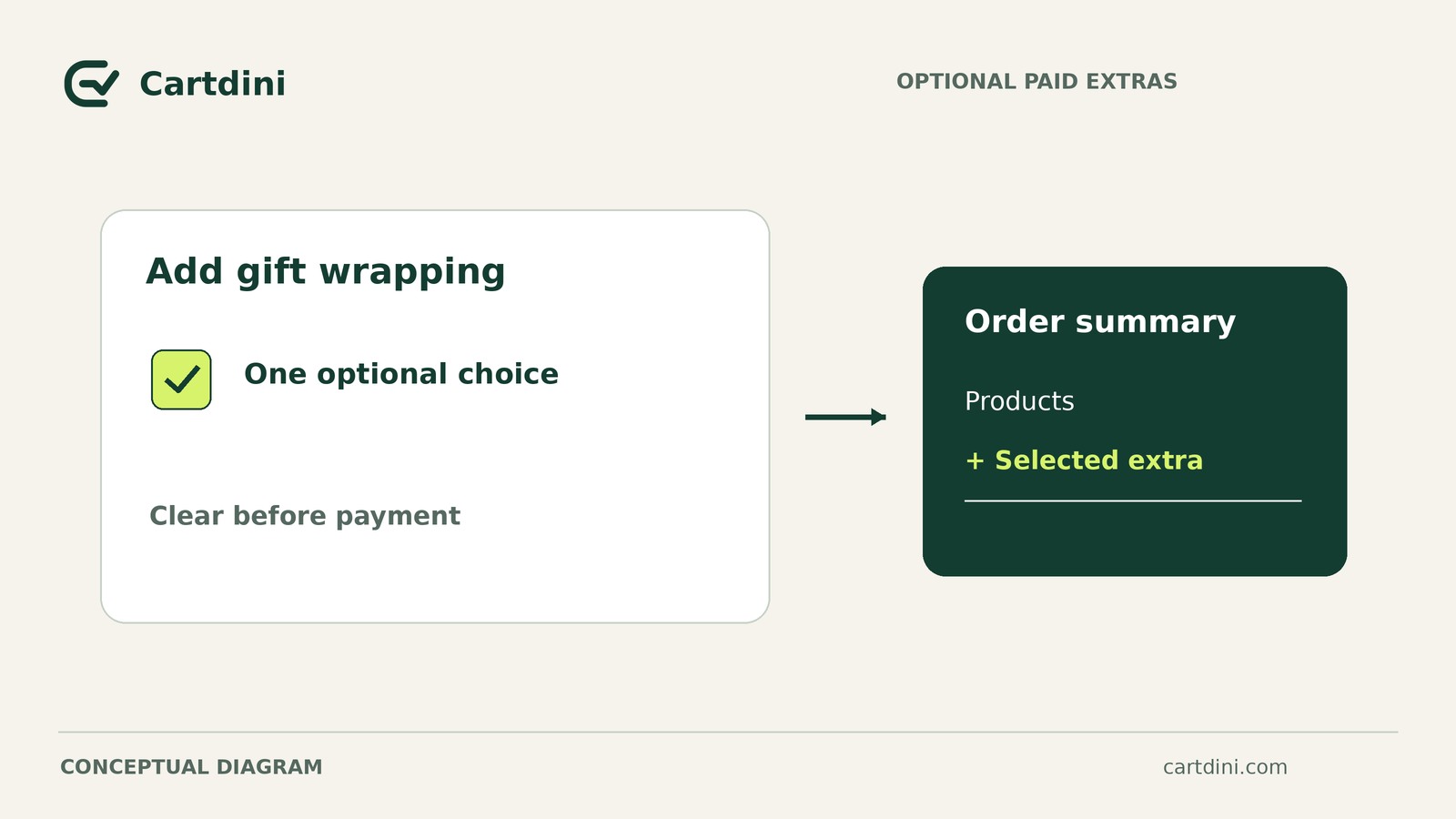
Cartdini Pro supports explicitly priced checkout choices using fixed positive fees in the shop currency. An ordinary checkout answer does not change the order price. Mentioning a charge in a field label is not a substitute for configuring a priced choice.
Before offering a paid service, verify that the final selection, checkout charge and saved order agree. Create a service specification and an evidence record covering four selection sequences.
Define the service, fee and acceptance criteria
Consider a hypothetical whole-order gift-wrapping service. Assume a USD shop can wrap every order within the proposed service’s scope, and the merchant chooses a fixed $5 configured fee. These are example inputs, not pricing recommendations or reported results.
Write the specification before configuring the field:
- Service: Gift wrapping for the whole order, not individual item personalization.
- Charging scope: One fixed $5 fee when selected, regardless of item count in this example.
- Optionality: Shoppers can complete checkout without purchasing wrapping.
- Tax treatment: Record the supported WooCommerce tax behavior and whether displayed amounts include or exclude tax.
- Order evidence: Staff must be able to identify purchased wrapping and its corresponding charge.
Selected means one agreed service charge; unselected means none. Selection changes must not leave duplicate charges or an actionable wrapping request without the expected fee.
The plugin does not decide whether you can fulfil the service or what it should cost. Assign someone to review and fulfil purchased wrapping.
Configure a supported priced choice
Confirm prerequisites on staging
Prepare staging—an isolated test copy of the store—and review the compatibility and update guidance before changing checkout.
- Reviewed releases: Native-account Free 1.8.7 and Pro 1.8.11. Pro requires Free 1.8.4 or later, which that Free release satisfies. These observations do not establish the current WordPress.org package.
- Platform minimums: WordPress 6.7+, PHP 8.0+ and WooCommerce 9.9+. Also check the requirements of your chosen WooCommerce version.
- Activation: Install and activate a compatible Free companion before Pro, and keep Free active. Initial site licence activation unlocks Pro editing and tools.
Configure the choice and charge together
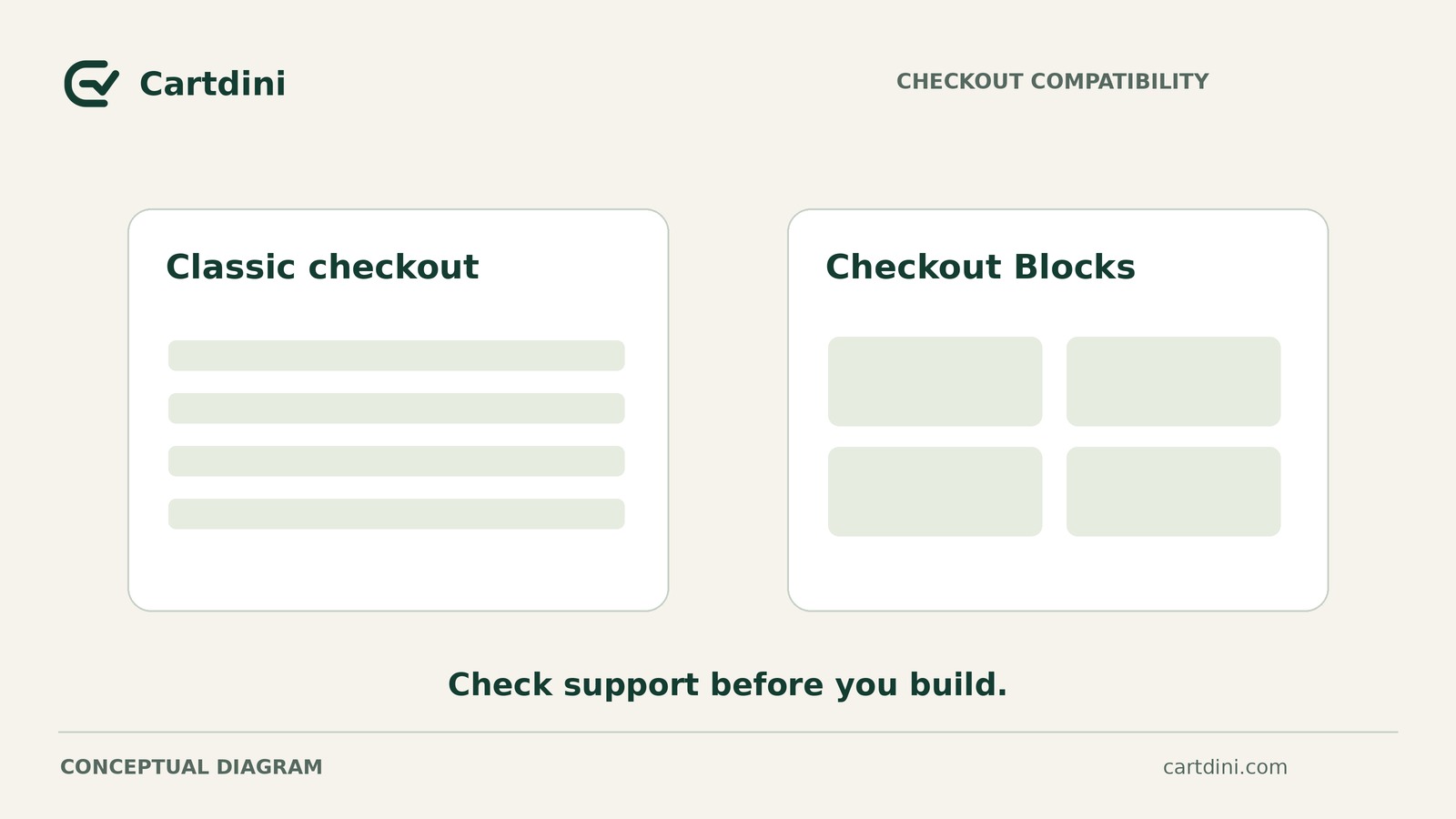
- 1. Confirm field support. Use the setup documentation to identify a supported priced-choice field type and location for your intended Classic checkout or Checkout Blocks configuration.
- 2. Set the purchase behavior. Make the service optional and explicitly configure the fixed positive fee in the shop currency.
- 3. Review tax and wording. Confirm the supported tax treatment, then describe the service and price consistently with the store’s tax-display basis.
- 4. Make the answer inspectable. Choose a supported order display destination where responsible staff can inspect the saved choice. Review the configuration before saving.
Stop if the documentation does not establish support for the proposed field type, location or tax treatment. An editor preview does not prove checkout support.
Do not assume percentage formulas, negative fees or arbitrary custom tax classes are supported.
Reconcile selection changes with checkout totals and saved orders
Establish a controlled comparison
Use fictional customer details on staging, isolated from live charges, real recipients and production fulfilment. Use the gateway’s documented test mode. These are testing safeguards, not paid-choice features.
Record plugin versions, Classic or Blocks, active theme, gateway and shopper state—for example, guest or signed in. Cover the checkout routes you intend to offer.
Keep the cart, address, shipping option, coupons and unrelated settings fixed. Record the unselected baseline: item amounts, discounts, shipping, unrelated fees, taxes and final total.
For a numerical illustration only, assume a $40 baseline, the configured $5 fee and no tax effects. The acceptance targets are $40 unselected, $45 selected, $40 deselected and $45 reselected. These are not observed product results or tax-setting advice.
Actual tax behavior may change the total difference. Separate the configured fee from its supported tax effects, do not count included tax twice, and investigate unrelated total changes.
Use one evidence record for all four cases
Start each case from a fresh checkout state. After each selection change, wait for totals to settle and record them. Complete a separate test order using each case’s final state.
For every case, record:
- Input: Selection sequence and final state.
- Checkout: Service fee, tax-display basis, tax amounts and final total.
- Saved order: Order identifier, recorded choice, service fee, taxes and total.
- Verdict: Expected versus observed behavior, evidence location, and pass, fail or unverified.
The following are acceptance criteria to test, not reported product outcomes. Reconcile each saved order with its checkout evidence.
Unselected
Leave wrapping unselected. Expect no wrapping fee or associated service tax.
Record whether the saved answer is blank, absent or an explicit negative value. Do not prescribe an internal storage format; confirm that the result does not instruct staff to wrap the order.
Selected
Select wrapping. Expect one configured $5 service fee, reflected on the documented tax basis, with its supported tax effects where applicable.
Confirm that the saved choice indicates wrapping and the charge agrees with checkout.
Deselected
Select wrapping, then deselect it. Expect no final wrapping charge or associated service tax.
Inspect the saved answer. A stale affirmative request that could mislead staff is unresolved even if the charge disappeared.
Reselected
Select wrapping, deselect it, then select it again. Expect one service charge, not two, with the supported tax treatment and an affirmative saved choice.
Compare this order with the selected case and investigate any unexplained difference.
Because the specification says one fee regardless of item count, repeat all four cases with a different quantity. Establish a new unselected baseline and keep the cart fixed within that comparison. Check for one configured service fee when selected; item totals and taxes may differ from the first comparison.
Decide whether to launch or hold
Launch only when the selection and quantity checks pass for the intended routes and the fulfilment owner can interpret the saved choice correctly. Fail or unverified means hold, including missing charges, duplicate fees, stale affirmative answers or unexplained tax differences.
After changing fee or field settings, rerun the checks—not just the failed case. If no supported setup fits, consider a separately verified manual quotation and payment workflow.
Keep the specification and evidence together. Passing these checks supports a decision about the tested setup; it does not certify real payment, universal compatibility or future behavior after changes.
Start by writing the service specification and creating the evidence record, then run the unselected baseline order.